Editing or Reusing PDF in iWork Pages Was Never This Effortless

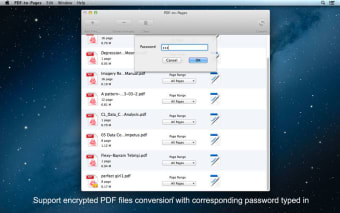
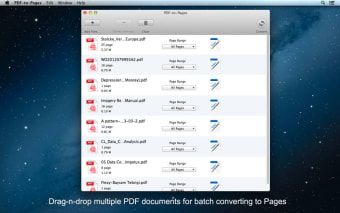
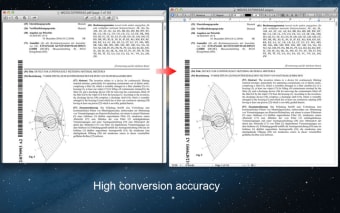
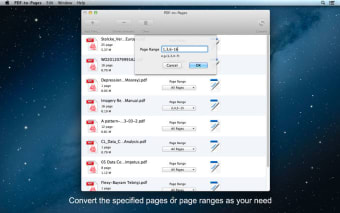
PDF-to-Pages is a tool that converts your PDF files into iWork Pages. The tool comes with several features that make editing or reusing PDF files in Pages quite easy. The app supports drag-and-drop functionality, which makes converting multiple PDF documents at the same time seamless. PDF-to-Pages preserves original tables, text, hyperlinks, images, and layouts post conversion. You may convert all the pages of a document or choose specific pages or a range of them. The tool’s interface is quite clean and simple, which makes using it a breeze.
  • Pros

    • Easy to use
    • Standalone application
    • User-friendly interface
    • Batch conversion supported
  • Cons

    • Could bog down at times
    • Doesn’t convert encrypted PDFs
    • Doesn’t convert scanned PDFs
    • Doesn’t support multiple output file formats
 0/4

App specs

Program available in other languages


User reviews about PDF-to-Pages

Have you tried PDF-to-Pages? Be the first to leave your opinion!

Add review

You may also like

Explore Apps

Latest articles

Laws concerning the use of this software vary from country to country. We do not encourage or condone the use of this program if it is in violation of these laws.
Softonic

Is PDF-to-Pages safe?

Score result: Clean

This app is available directly from the official App Store. Since the official app stores maintain their own rigorous security standards and review processes, we rely on their trusted distribution platform rather than performing additiona scans. You can download with confidence knowing this comes straight from the verified source.

  • Virus free
  • Spyware free
  • Malware free